

Grow your network through partnerships
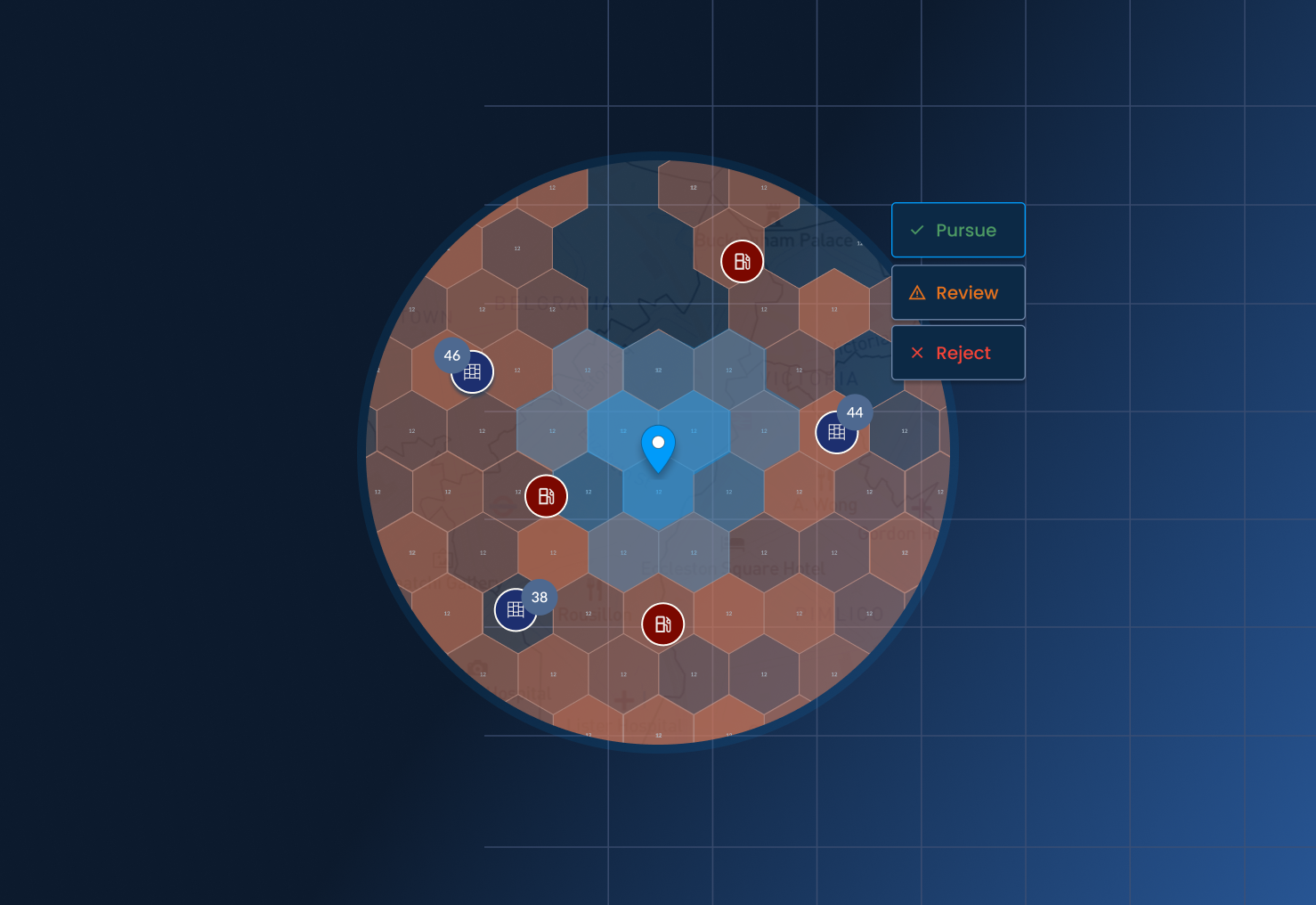
Growing an OOH network through partnerships starts with finding the right partner locations — gas stations, kiosks, retail chains — and deciding, quickly and confidently, which ones are worth pursuing.
Where partner decisions stall
Evaluating a partner location usually means going through it one by one: checking reach, nearby context, and the details that decide whether to move forward. Across a long list and different regions, scattered evaluation makes it easy to lose track of what's been decided, and hard to find a specific location again later.
Does a lead actually add coverage, or overlap with what's already there? And when different people are reviewing different leads, is everyone applying the same bar?
Without a shared process, evaluation slows down, and promising locations can sit unvetted longer than they should — while momentum with a partner cools.
Evaluate with full context
Leads Analysis gives OOH teams a consistent way to evaluate every lead against the same contextual data, record a decision, and move straight into acting on it.
Start from wherever your leads are
Upload a collection, search a specific address or business name, or drop a pin manually. Locations can also be found directly in the platform using natural language search, simply by typing what you're looking for, such as "Gas stations in Westminster".
.png)
See the full picture, for every lead
Each lead is set against the network context that matters — current locations, nearby points of interest, and the data layer relevant to the decision, whether that's population or shipments. Socio-demographic details add another layer.
.png)
Decide with confidence
A status — Pursue, Review, or Skip — gets assigned to each lead. Once published, results are sorted by decision and ready for the next analysis, or for the team turning it into a live location.
.png)
What our customers are saying
"Leads Analysis has become a daily tool for our team. It provides a more objective and consistent framework for evaluating potential partner locations, ensuring everyone works from the same criteria. By bringing multiple decision variables together in one place, it helps us assess opportunities more efficiently and make faster, more confident decisions on which locations to pursue."
Soraia Costa, Expansion Manager, Locky
Ready to get started?
Get in touch and see how Leads Analysis can help your team evaluate the next partner location.


.png)